Factory Reset Isn't Data Destruction: What NIST 800-88 Says
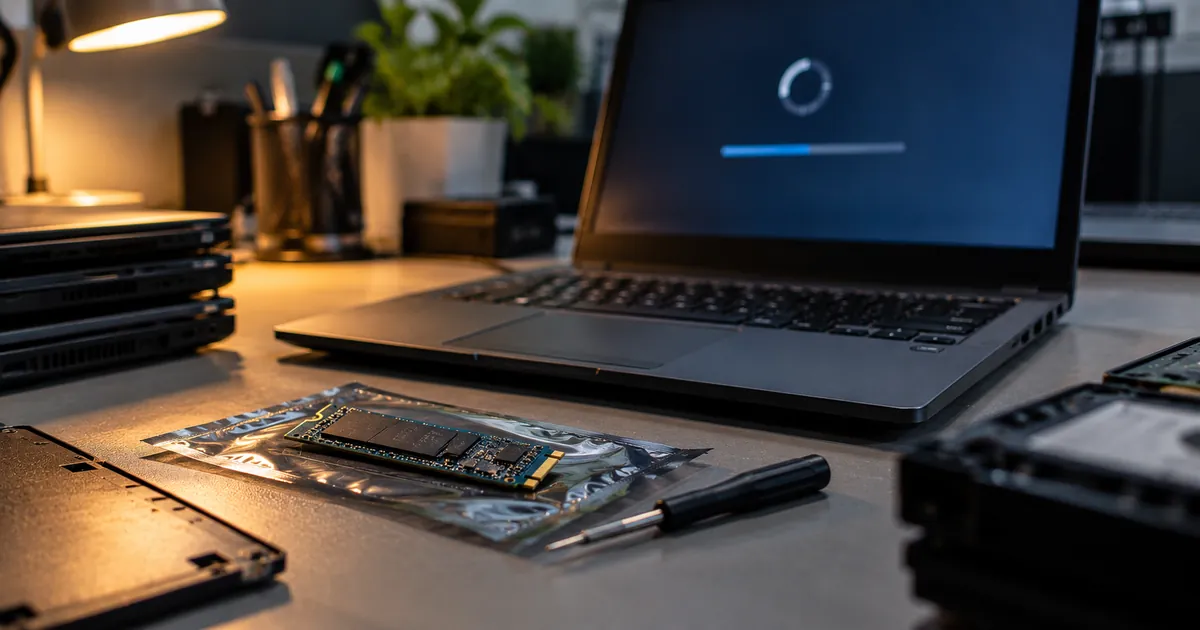
The short answer: sometimes a factory reset does remove data effectively, and sometimes it does not. Either way, it does not count as data destruction, because nobody can prove what it did.
What a factory reset actually does
A factory reset returns a device to its out-of-box state. How it gets there varies. On older or unencrypted devices, it may simply delete the file system's index, leaving the data itself on the drive until it is overwritten. Recovery tools can often read it back.
On modern encrypted devices, a reset can do something much stronger: destroy the encryption key. Without the key, the data left on the storage is unreadable. This is called cryptographic erase, and NIST SP 800-88 recognises it as a sanitisation technique when it is done and verified properly.
Device by device
| Device | What the reset does | Enough for an audit? |
|---|---|---|
| Windows laptop, Reset this PC, keep files | Reinstalls Windows, keeps your data | No |
| Windows laptop, Remove everything | Deletes files; the optional clean data setting overwrites the drive and takes hours | No record or verification |
| Mac with Apple silicon or T2, Erase All Content and Settings | Erases content and settings and removes the encryption keys | Strong method, but no signed per-device report |
| iPhone and iPad, Erase All Content and Settings | Removes encryption keys | Strong method, but no report |
| Android phone, factory reset | On encrypted phones, discards keys; older phones vary | Depends on the phone; no report |
| Desktop or server with a plain hard drive | Varies; often just a reinstall | No |
Why it still is not destruction
No verification. A reset does not read the storage back to confirm the data is gone. NIST's guidance treats verification as part of sanitisation, not an optional extra.
No record. A reset produces nothing you can file. An auditor asking what happened to a specific serial number gets no answer.
No consistency. Resets are done by different people, on different devices, with different options chosen. Some are done fully, some are not.
Dead devices cannot be reset. The laptop that will not boot is exactly the one that still holds its data, and a reset is impossible.
What to do instead
Use verified erasure software that sanitises the drive, reads it back and produces a signed report per device. For SSDs and NVMe drives, that means firmware-level sanitize or cryptographic erase commands, not simple overwriting. For devices that cannot be erased or fail verification, destroy the storage physically and record the serial first.
Then collect a Certificate of Destruction that lists every serial. That is the document that answers the question a reset never can.