Hard Disk Destruction: Shredding vs Degaussing vs Wiping
Wiping overwrites the drive and leaves it reusable. Degaussing destroys data magnetically and leaves the drive permanently dead, and only works on magnetic media, not SSDs. Shredding physically destroys the drive and works on anything.
The right choice depends on the drive type, the sensitivity of the data, and whether the hardware still has resale value worth preserving. For most corporate estates the answer is a mix, not a single method.
The three methods
Software wiping (secure erasure)
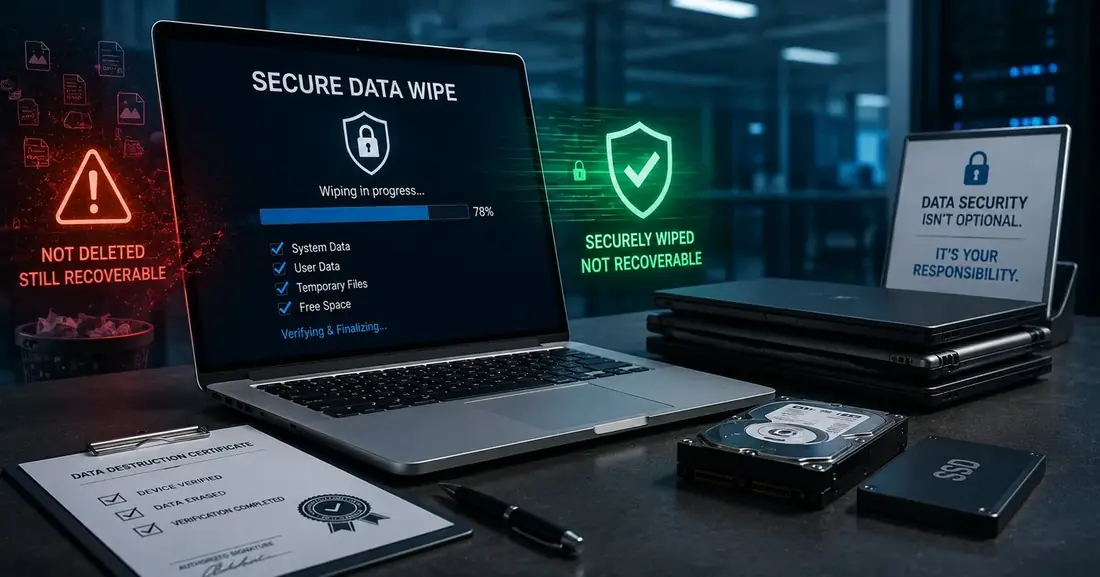
Certified erasure software overwrites every addressable sector on the drive, so the original content cannot be reconstructed. Done properly, this is a complete outcome: the data is gone, and the drive still works.
That last part is why wiping matters commercially. It is the only method that preserves resale value, which means a wiped drive can go back into service or be sold, and that value can offset the cost of your disposal programme.
The catch is verification. Wiping is a process, not an event, and a wipe that failed halfway looks identical to one that completed unless the software produces a per-drive log. Any wiping programme without verification logs is an assumption, not a control.
Degaussing
A degausser exposes the drive to a magnetic field strong enough to destroy the magnetic domains that hold the data. It is fast, seconds per drive, and it is complete for magnetic media.
Two things to understand. First, a degaussed hard drive is permanently unusable, because the same magnetic field destroys the servo tracks the drive needs to position its heads. There is no recovery and no resale. Second, and more important: degaussing does nothing to an SSD.
Physical shredding
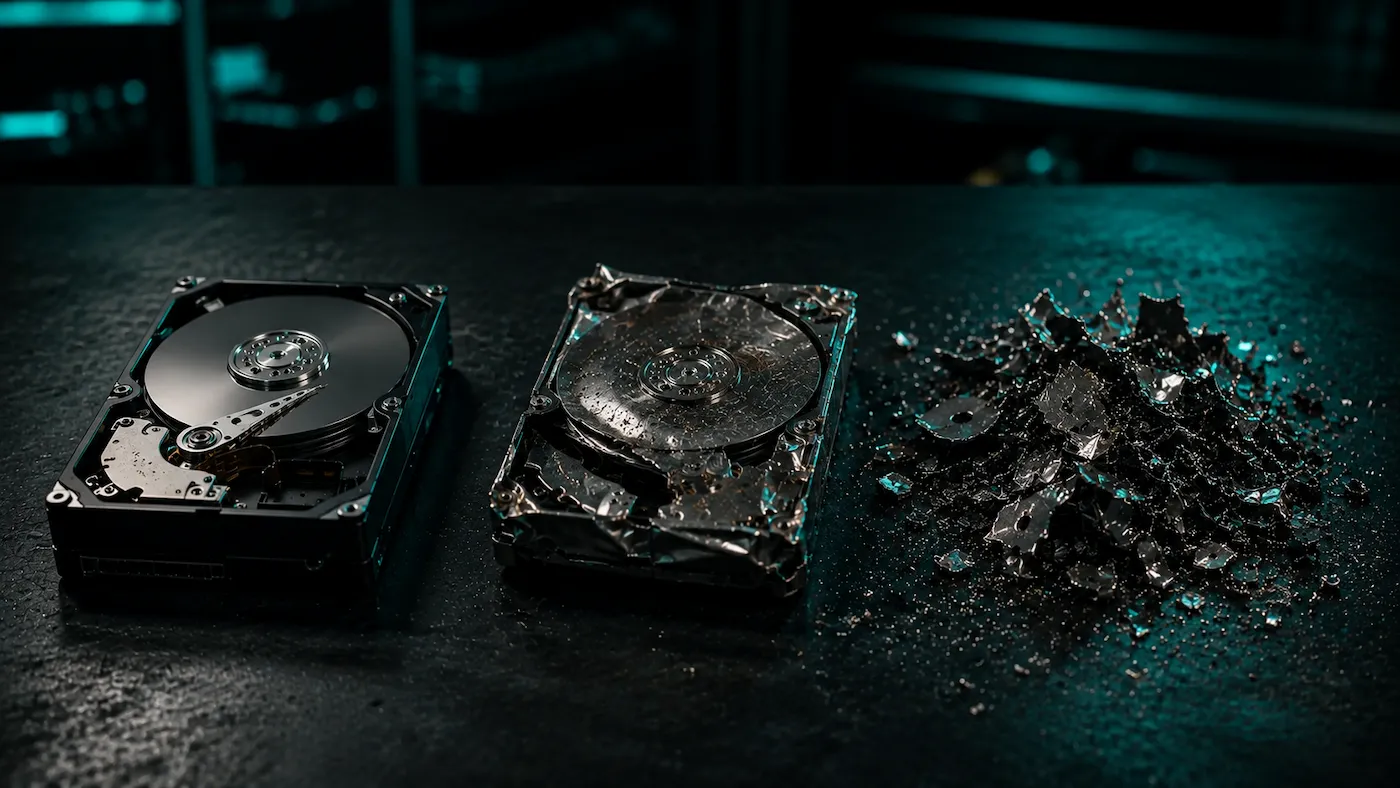
The drive is fed into an industrial shredder and reduced to fragments. It works on every media type, HDDs, SSDs, tape, optical discs, phones, and it produces the most visually convincing evidence available. It is also final: no resale value survives.
Shredding is the right default for the highest-sensitivity media, and for any drive where you want the outcome to be beyond argument.
The SSD problem nobody accounts for
This is the single most common technical mistake we see in Indian corporate IT. A wiping process designed in the HDD era gets applied to a fleet that is now largely SSD, and everyone assumes the outcome is equivalent.
It is not, and the reason is wear levelling.
SSDs store data in flash cells that wear out after a finite number of write cycles. To extend the drive's life, the controller spreads writes across physical cells rather than writing to the same place repeatedly. So when your software writes to what it believes is logical sector 4,096, the controller may map that write to an entirely different physical cell than the one currently holding the old data.
The consequence: a conventional overwrite pass can complete successfully, report success, and leave fragments of the original data sitting in physical cells the overwrite never reached. This includes over-provisioned space that the operating system cannot even see.
The correct approaches for SSDs are:
- The drive's built-in secure erase command, which instructs the controller itself to clear every cell including the over-provisioned area.
- Cryptographic erase, on self-encrypting drives, which destroys the encryption key and renders the stored ciphertext meaningless.
- Physical destruction, which removes the question entirely.
For any SSD that held regulated, financial, health or customer personal data, physical destruction is the defensible choice. The cost difference is small. The certainty difference is not.
Choosing per drive
| Situation | Recommended method | Why |
|---|---|---|
| Recent HDDs, ordinary business data, resale value worth keeping | Certified software wipe | Complete outcome, drive stays usable, value recovered |
| Older HDDs, no resale value | Degaussing or shredding | Faster than wiping, and there is no value to preserve |
| Any SSD with sensitive data | Shredding | Wear levelling makes overwriting unreliable |
| SSDs, ordinary data, resale value worth keeping | Manufacturer secure erase, with verification log | Handles the over-provisioned area a normal overwrite misses |
| Regulated data: banking, health, customer PII | Shredding | Removes any argument about completeness |
| Backup tapes | Degaussing or shredding | Magnetic media; degaussing is effective and fast |
| Loose drives of unknown history | Shredding | You cannot assess sensitivity you cannot trace |
| Drives inside servers and storage arrays | Shredding, after counting | Volumes are high and the drives are rarely on any asset register |
The reference vocabulary for all of this is NIST Special Publication 800-88, Guidelines for Media Sanitization, which separates outcomes into three levels: Clear (protects against simple recovery), Purge (protects against laboratory recovery), and Destroy (renders the media itself unusable). When a vendor tells you they “wipe drives”, the useful follow-up question is which of those three they are actually achieving.
Beyond hard drives
Hard drives get the attention, but a corporate clearance almost always contains storage media that nobody listed:
- Backup tapes, often the oldest data in the building, and frequently the most complete.
- Copier and multifunction printer drives. Modern office copiers contain hard drives that store an image of everything scanned, copied or faxed through them. These are routinely returned to leasing companies without being wiped.
- USB drives, SD cards and optical media accumulated in desk drawers.
- Phones and tablets from company mobile schemes.
- Networking equipment: firewalls, routers and switches hold configuration data, credentials and network topology, which is exactly what an attacker would want.
The copier one is worth repeating because it is so commonly missed. If your organisation leases its copiers, the machines that went back at the end of the last lease term almost certainly contained a drive holding scanned documents.
What the record should say
Whichever method you use, the destruction is only half the control. The other half is the record.
A useful destruction record states what was destroyed, by which specific method, and on what date: issued after the destruction, not at collection. A certificate issued when equipment is picked up is certifying an intention, because the destruction has not happened yet.
Where the level of detail matters, ask for it. Some organisations need drive-level records because their audit tests at that level; others are satisfied with a consignment record. Neither is wrong. What is wrong is discovering the difference during the audit rather than before the job. We wrote more on this in what a Certificate of Destruction should actually contain.
If you want the practical version rather than the theory, our hard drive destruction service page sets out how each method is applied in practice.